Gantt Chart Plugins for Jira
A Gantt chart plugin for Jira will add to Jira the sophisticated planning capabilities that this project management tool does not provide natively. This adds traditional plans and planning visibility to Jira.
Jira does include a built-in Timeline view, but it is not a real Gantt chart. It supports only basic Finish-to-Start dependencies, offers no critical path analysis and cannot save baselines. It works for simple software development projects, but for anything with real complexity, you need to use a Jira Gantt chart plugin.
A good Gantt chart plugin for Jira should provide more than a simple Gantt chart capability. It should function as a scheduling and delivery-control tool that uses Jira work items as the reference. The Jira Gantt chart plugin should deliver native, bidirectional Jira integration. You should be able to build charts from projects, boards, filters, releases, sprints, or JQL.
At the same time, you should be able to update work items directly from the Gantt chart. The plugin should reflect changes from Jira in near real time and respect Jira permissions, workflows, field contexts, and issue security. This should support Jira’s configurable work-item hierarchy rather than assuming only Epic, Story, and Subtask.
Ideally, the Gantt chart plugin for Jira should provide portfolio and multi-project planning, aggregating data from multiple Jira projects and boards. A nice option is to offer scenario planning without immediately changing live Jira data. As Jira plans already support audience-specific saved views and alternative planning scenarios, so comparable flexibility would be valuable in a Gantt plugin.
BigGantt – Gantt Chart for Jira by Appfire
The BigGantt for Jira plugin allows you creating and organizing tasks directly on the chart. You can customize the timeline view to track progress and deadlines. You can also create “what-if” scenarios and be ready for whatever the future brings. You are also able to create and manage Jira issue links, and keep your issues in check with auto-scheduling. You can use critical path, baseline and custom markers for project analysis.
Websites: https://marketplace.atlassian.com/apps/1213016/biggantt-gantt-chart-for-jira, https://appfire.com/
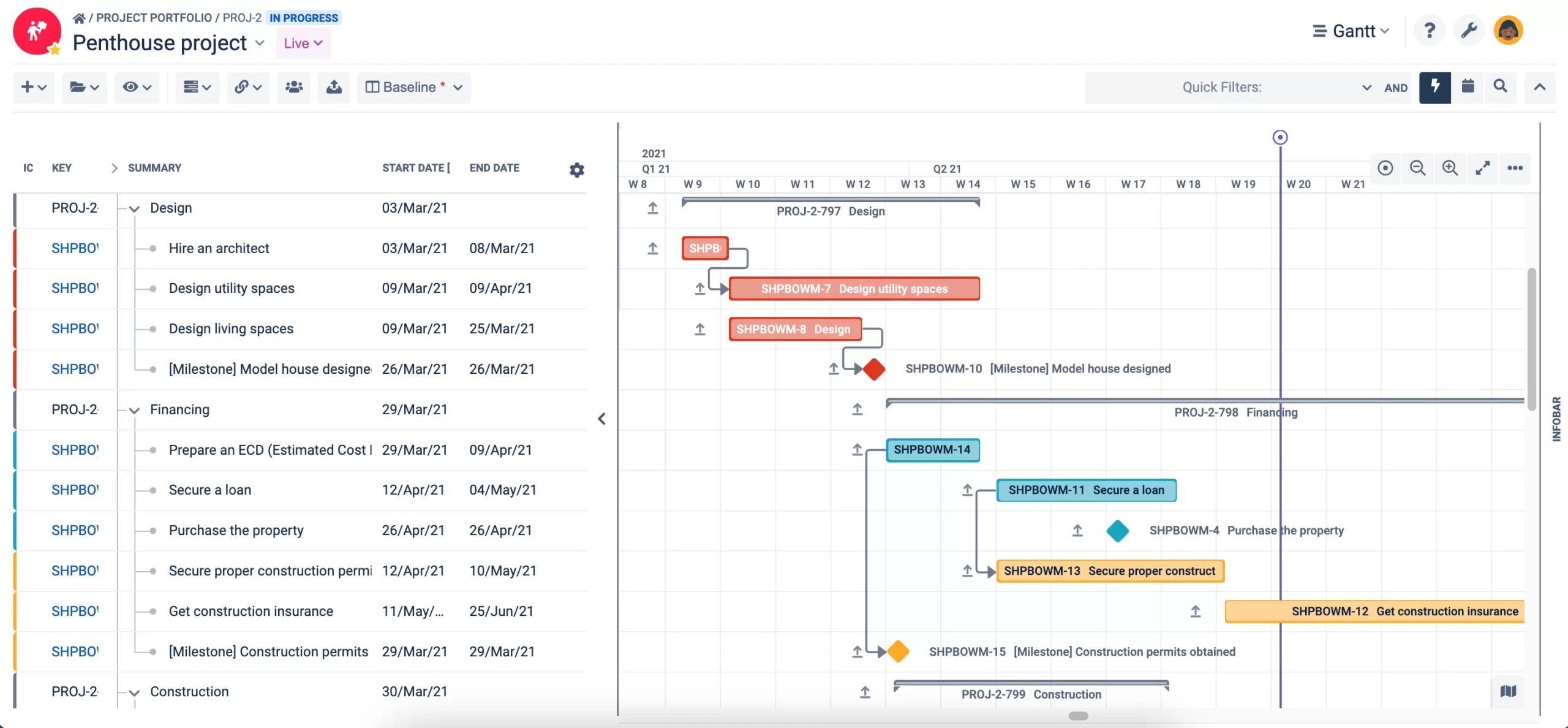
Crystal Gantt for Jira by RadiantQ
The Crystal Gantt for Jira plugin provides a great way to group and setup dependencies in your tasks to gain great insight into overall project timeline and critical sections. You can visualize task progress and color by priority to efficiently track your project status. Use built-in filters to zero down on tasks of interest. As additional features, it provides localization for major languages and the capability to export to PDF and Excel.
Websites: https://marketplace.atlassian.com/apps/1219006/crystal-gantt-for-jira, https://radiantq.com/
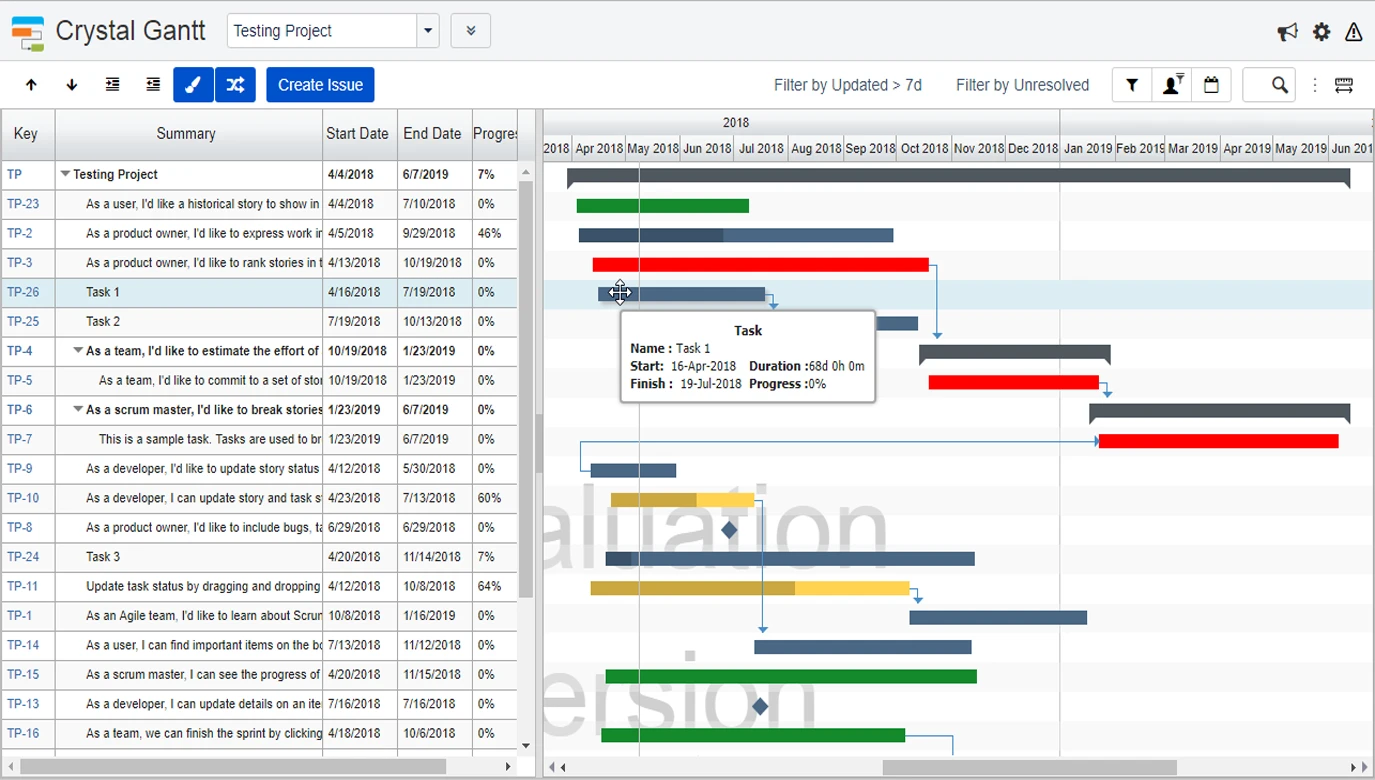
Gantt-Chart for Jira by Werkstack
The Gantt-Chart for Jira plugin claims to bring powerful timeline visualization to your projects. You can view issues as bars on a timeline, define dependencies, set milestones, and let automatic rescheduling keep your plan up to date. Get an overview of your issues, selected by filter or board – Unlimited issue hierarchies (WBS) – Inline editing of fields – Without any user interaction, you’ll get suggested planning dates and an initial Gantt-Chart. This plugin supports multi-project views with 10,000+ issues and holiday calendars for 144 countries.
Websites: https://marketplace.atlassian.com/apps/28997/gantt-chart-for-jira, https://www.werkstack.dev/
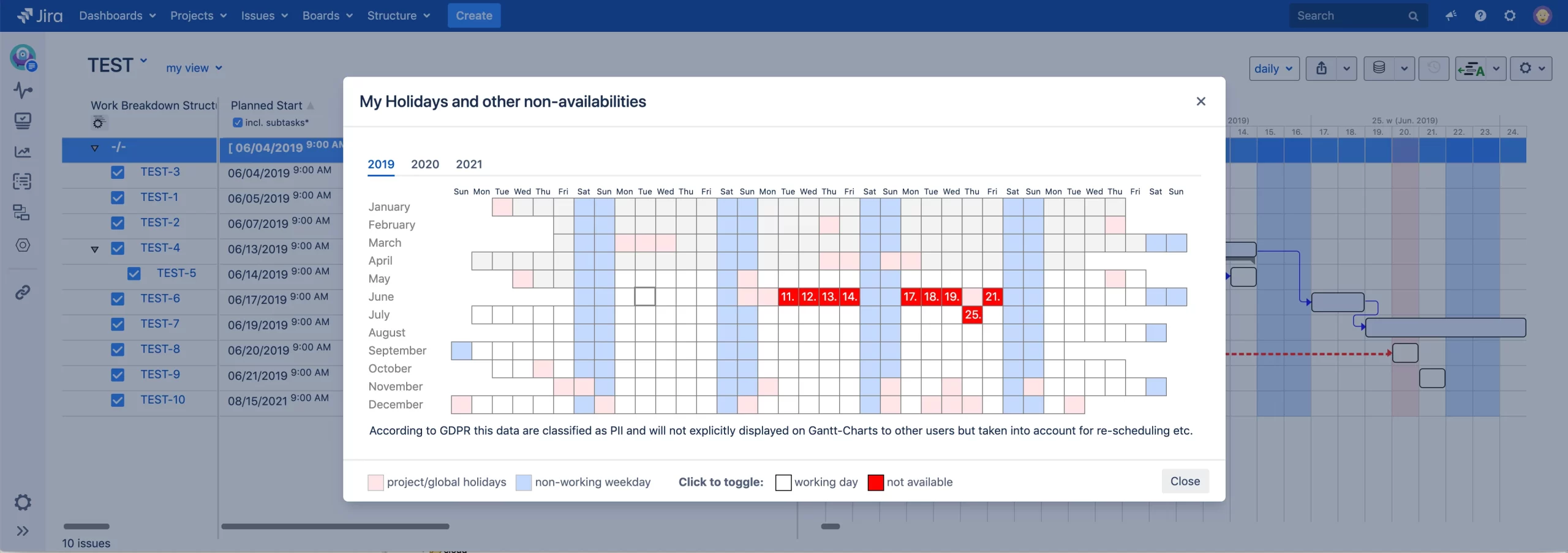
Gantt Suite for Jira: project management & resource planning by BrizoIT
The Gantt Suite for Jira plugin claims to give you the full control over your project: visualize your timeline, analyze what-if scenarios and manage constraints, deadlines, milestones, baselines, critical path.
Websites: https://marketplace.atlassian.com/apps/1222150/gantt-suite-for-jira-project-management-resource-planning, https://brizoit.com/
WBS Gantt-Chart for Jira by Ricksoft
The WBS Gantt-Chart for Jira plugin Point claim to provide a powerful and intuitive tool that works as simply as click and plan. It allows’managing resources across teams and projects. You can instantly see and manage dependencies, drag and drop tasks to make changes and finally save your changes to Jira with just a click. If you like using MS Project, you’ll love using the WBS Gantt-Chart plugin for Jira. It gives you a familiar interface, plus tools to import/export MS Project tasks, dependencies, and task structures, with full support for Jira workflows.
Websites: https://marketplace.atlassian.com/apps/1211768/wbs-gantt-chart-for-jira-enterprise-project-management, https://www.ricksoft-inc.com/