Commercial & Free Online Gantt Charts Editors
A Gantt chart is a type of chart that shows the schedule of a software development project. Gantt charts show the dependency relationships between activities and the current schedule status. They provide a big picture of the plan and the realization of projects, including the critical path. This chart was designed and popularized by Henry Gantt at the beginning of the 20th century.
Gantt chart is a key feature for project management tools. However, you don’t want always to buy a full-featured project management tool when you only need to create a Gantt chart to manage your software development project. This article presents a list of specialized online Gantt chart editors that you can use to manage your software development projects.
These online Gantt tools allow cooperation for teams that don’t work in the same location, but need to have a shared vision of their software development projects. Most of these project management tools are commercial, but some have a free option in their pricing plans.
Updates
March 11 2026:
added Gantt Chart AI, Ganttile
Gantt.io
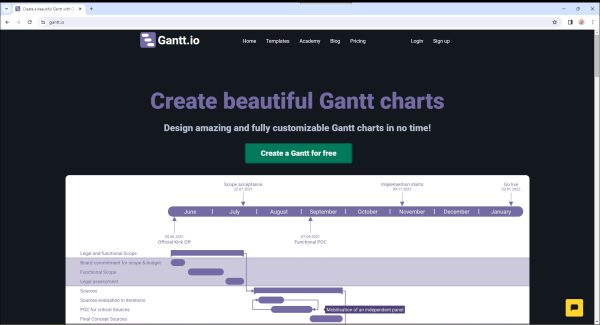
Gantt.io is an online tool that allows to design quickly Gantt charts that you can fully customize. The tool features many templates to plan different types of projects like a wedding or a football game. The website also provides many videos to create and organize Gantt charts. Registration is required.
Pricing: free plans with some limitations
Website: https://www.gantt.io/
Gantt Chart AI
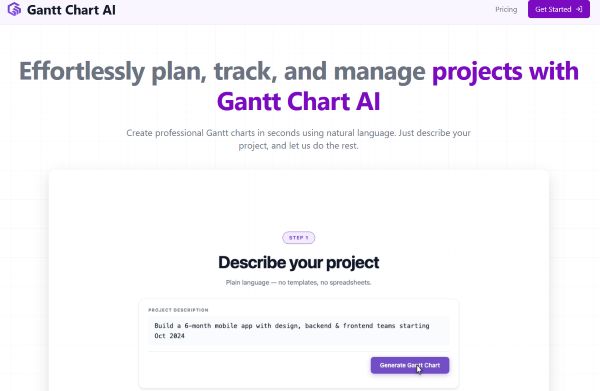
Gantt Chart AI is an online tool that allows creating professional Gantt charts in seconds using natural language. It claims that you can just describe your project, and let us do the rest. You can then fine-tune your project plan with our powerful visual editor. Drag timelines, edit dependencies, and customize every detail to fit your exact needs. Gantt Chart AI features synchronization with Google Sheets. You can create and edit timelines directly in Google Sheets, with the option to export to Excel. You can export your Gantt charts to Excel format and access all your previously created charts
Pricing: free and paid plans, registration through Google
Website: https://www.ganttchart.ai/
Gantter
Gantter is a cloud-based project management tool. You can manage deadlines by tracking every aspect of a project’s progress. Gantter’s UI is designed to look and feel just like a native Google Apps native editor, making it really easy for a Google user to use Gantter. It seamlessly integrates with Google apps like Gmail, Google Calendar or Google Drive.
Pricing: only paid plans
Website: https://www.gantter.com/
Ganttile
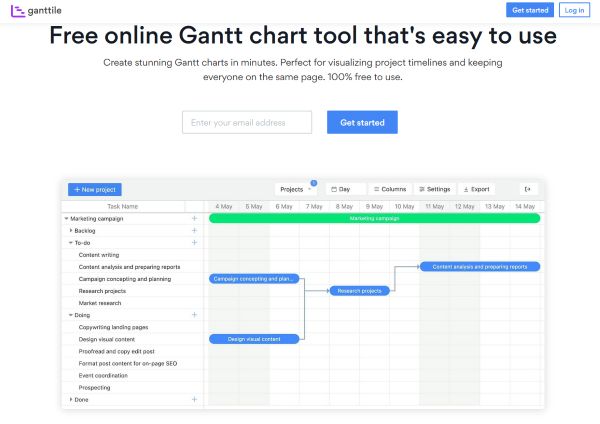
Ganttile is a free online project management tool that allows to create Gantt charts. Ganttile offers a convenient view that lets you track progress, timelines, and dependencies of various projects in one collective chart, simplifying multi-project management and resource allocation. With its user-friendly interface, you can easily create, edit, and manage Gantt charts.
The Critical Path feature in Ganttile identifies the series of crucial tasks that determine the shortest timeline to complete a project. It helps focus efforts on essential tasks to avoid delays and meet deadlines effectively. Ganttile’s automatic project scheduling feature acts like a virtual project assistant, adjusting your timeline dynamically, ensuring that your project planning remains flexible and on track. It features export of your Gantt charts in multiple formats, including PDF, image, Excel and Microsoft Project (MPP).
Pricing: only free plan
Website: https://www.ganttile.com/
GanttPRO
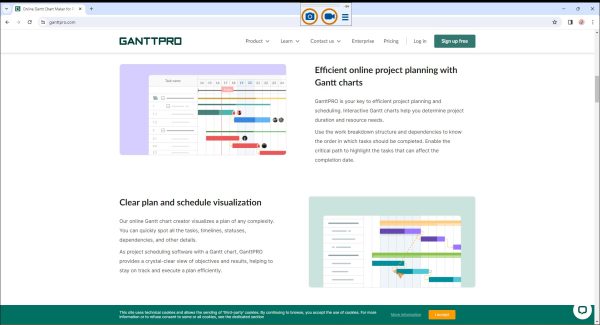
GanttPRO is full-featured project planning and scheduling tool. You can create interactive Gantt charts help you determine project duration and resource needs. You can use the work breakdown structure and dependencies to know the order in which tasks should be completed.
GanttPRO allows enabling the critical path to highlight the tasks that can affect the completion date. An online Gantt chart tool can significantly enhance collaboration with your team. It provides real-time visibility into project progress for all team members.
A collaborative online Gantt chart ensures that everyone shares a common understanding of what’s being done and what’s needed to achieve the objectives. With GanttPRO, you can download a diagram or share a public URL with a dynamic or static Gantt chart and present it in a straightforward and concise way to senior management.
Pricing: only paid plans
Website: https://ganttpro.com/
InstaGantt
InstaGantt is a Gantt tool that allows you to schedule or adjust tasks just by dragging the task bar in the Gantt chart, very simple and intuitive. The card Kanban system for the tasks allows for increased productivity and effectiveness, mainly because your team will be more focused as they gain better visibility of the work that is in progress. To assess the project schedule, you can enable the Critical Path to check which tasks would affect the deadline and take action. A plugin exists to link the tool with Asana.
Pricing: only paid plans
Website: https://instagantt.com/
Online Gantt
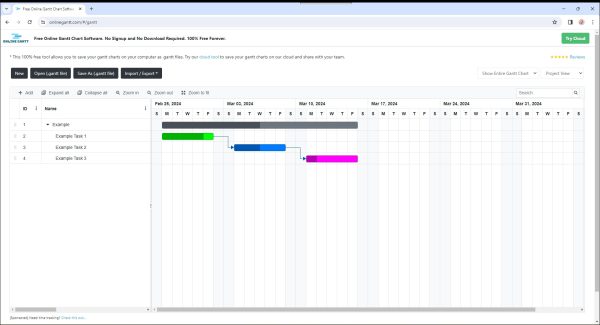
Online Gantt is a free online Gantt chart tool. User can save files on their computer. You can import Excel data and export your schedule to the Excel, PDF and png file format.
Pricing: free, paid plans for Cloud storage
Website: https://www.onlinegantt.com/
TeamGantt
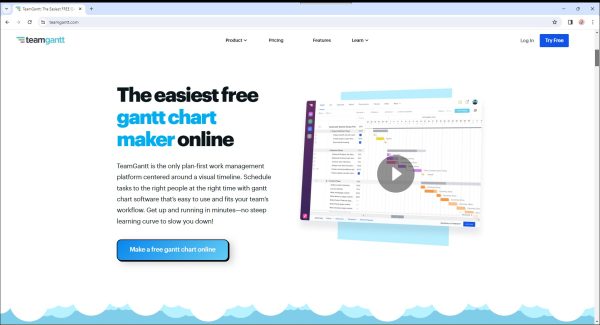
TeamGantt is an online project planning tool for teams. Change start and end dates, reorder tasks, and adjust your timelines in a single click. You can spot conflicts between projects and plan more easily by choosing to see all your projects in a single Gantt chart. You can manage resources, stay on budget, and ensure everyone is working but not overloaded with an easy-to-access availability tab. TeamGantt provides free Gantt chart templates for popular industries like software development.
Pricing: only paid plans
Website: https://www.teamgantt.com/
Comments are closed.